Listen anywhere
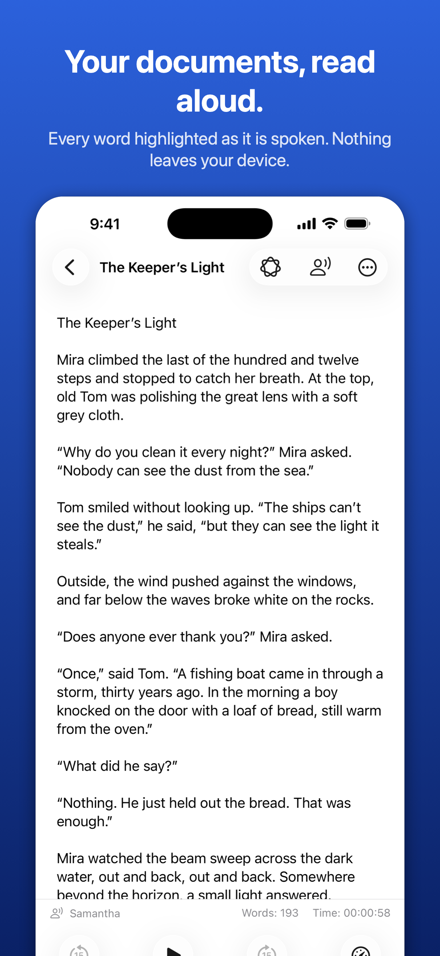
Reading goes on with the screen locked and the app in the background. The sentence being
read shows on the Lock Screen and in the Dynamic Island, and AirPods, Control Center and the
Lock Screen skip 15 seconds, move to the next chapter or change the speed. A sleep timer
stops at a time you choose or at the end of the chapter.
Articles from Safari
Share any article from Safari to Read4Me and choose Listen Now. Safari hands over the text
of the page; Read4Me never loads the page itself.
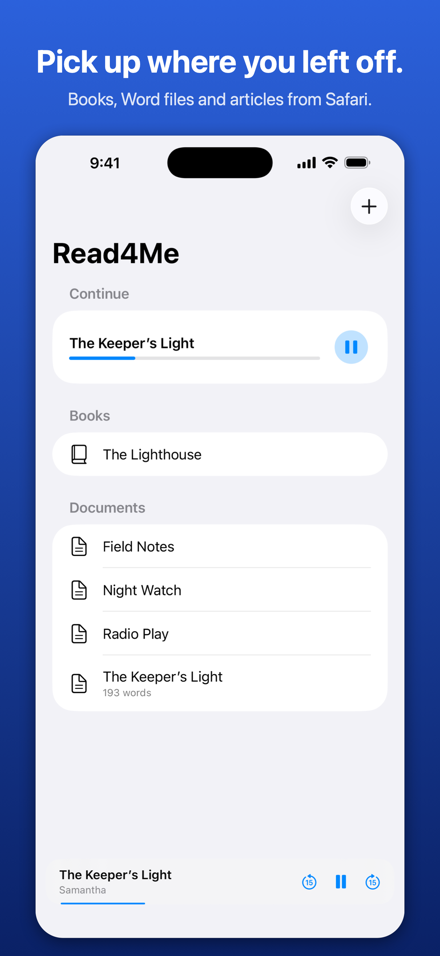
Opens what you already have
Word (.docx), OpenDocument, RTF, HTML, plain text and unencrypted EPUB books, from Files,
iCloud Drive or any app that shares documents. Scan Text turns printed pages into a document
you can listen to.
Every voice on your device
The voices of iOS, in every language it speaks, at 60 to 600 words per minute. Give each
character their own voice: start a line with a voice tag such as [[DANIEL]]
and the voice switches.
Audiobooks from your Mac
Read4Me on the Mac turns documents into audiobooks with chapters and puts them in your own
iCloud Drive. They appear in your library here, in their folders and playlists, and play with
chapter skip, speed and the sleep timer. Download a book or a whole playlist for the road;
your place is kept on every device.
In the car with CarPlay
Listen to the audiobooks you make on the Mac from your documents and ebooks and share
through iCloud. Continue where you stopped, or pick a book or a playlist; CarPlay shows Now
Playing with chapters and speed, and the car's own controls skip and pause.
Siri, Shortcuts and widgets
"Continue reading with Read4Me", "Pause Read4Me", "What is Read4Me reading?" A Continue
Reading widget for the Home Screen and Lock Screen, controls in Control Center, Shortcuts
actions to read any text or make an audiobook, and your documents in Spotlight.
Start on the Mac, continue on the iPhone
With Handoff, a document open in Read4Me on your Mac appears on your iPhone and iPad and
continues from the same word, sent directly between your devices.
Make an audiobook
Record a document with all its voices as an M4B audiobook and save it to Files or share
it.
Private by design
No account, no analytics, no servers of ours. Your documents stay on your device; the
audiobook library syncs through your own iCloud, and only if you turn it on. See the
privacy policy.